




🖼️ PNG to AVIF Converter
Transform your PNG images to AVIF format with superior compression and quality
PNG to AVIF Converter Online
Ever wondered how to make your PNG images load faster on websites — without sacrificing image quality? Our free online PNG to AVIF converter does exactly that. AVIF (AV1 Image File Format) is the next-generation image format that delivers up to 50% smaller file sizes compared to PNG, with no visible quality loss. Whether you’re a web developer, blogger, designer, or just someone who wants faster-loading images, this tool gets it done in seconds.
No downloads. No signup. No ads. Just upload your PNG and download the AVIF.
How to Use This PNG to AVIF Converter
Using this tool is simple. Here’s how it works:
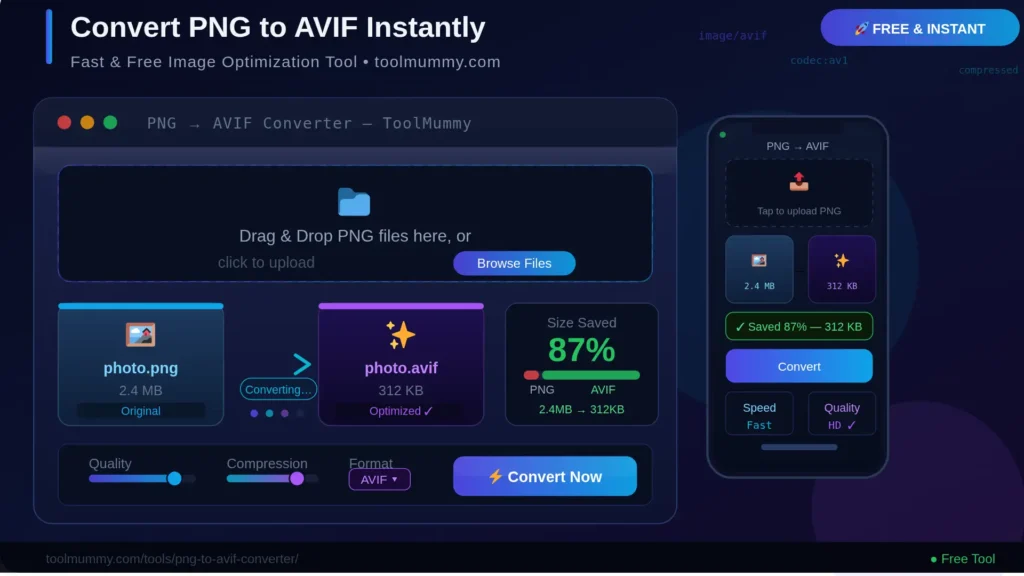
Step 1 – Upload Your PNG File Click the upload area or drag and drop your PNG image directly into the converter. You can upload a single file or multiple PNG files at once. Maximum file size is 10MB per file.
Step 2 – Adjust AVIF Quality (Optional) Use the quality slider to control the output. The default is set to 80% — a perfect balance between file size and visual sharpness. Slide lower for smaller files, higher for better clarity.
Step 3 – Click “Convert Images” Hit the Convert button. Your PNG images are processed entirely in your browser and converted to AVIF format in seconds.
What you’ll get:
- Your PNG converted to AVIF with dramatically reduced file size
- A live preview of each converted image
- File size comparison (before and after)
- Option to download individual files or all files as a ZIP
- Complete privacy — your images never leave your device
What Makes This PNG to AVIF Converter Different?
Most image converters rely on server-side processing, which means your images are uploaded to a third-party server — raising privacy concerns and causing slow speeds. Ours is completely different.
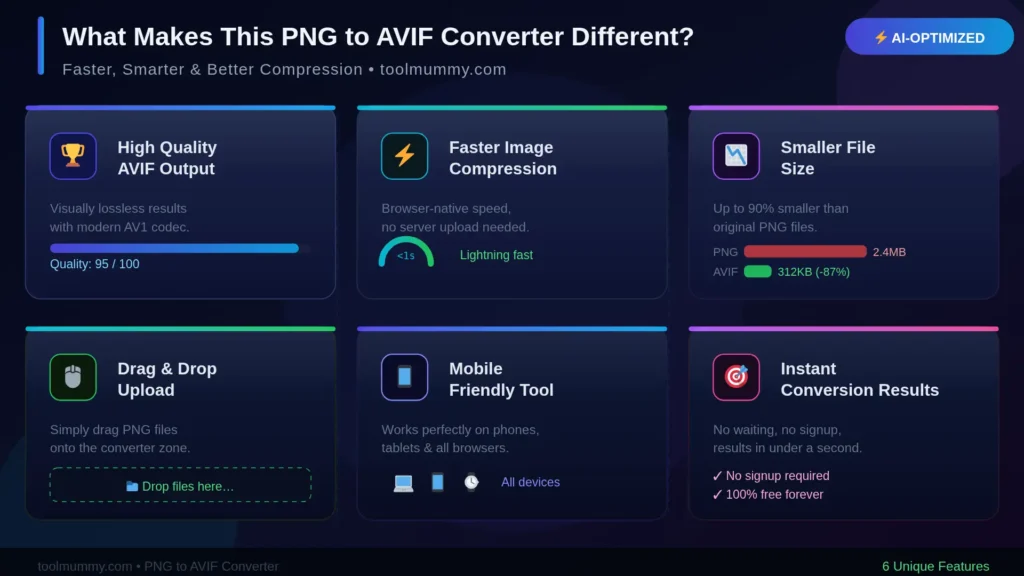
100% Browser-Based Processing Your PNG files are converted directly inside your browser using WebAssembly technology. No server upload. No waiting. No data privacy risk. Your images never leave your device.
Batch Conversion Support Don’t convert one by one. Upload multiple PNG files at once and convert them all in a single click. Download them individually or as a single ZIP file — perfect for web developers optimizing entire image libraries.
Quality Control Slider Unlike simple converters, you control the output quality. Whether you need pixel-perfect quality for a portfolio or maximum compression for a blog, the slider puts you in charge.
Instant File Size Comparison See exactly how much space you’re saving after conversion. We display both the original PNG size and the resulting AVIF size side-by-side so you know exactly what you’re getting.
Works on All Devices Whether you’re on a Windows laptop, Mac, Android phone, or iPhone, the tool runs smoothly on all modern browsers — no app installation required.
Who Uses a PNG to AVIF Converter?
An online PNG to AVIF converter is useful for a surprisingly wide range of people:
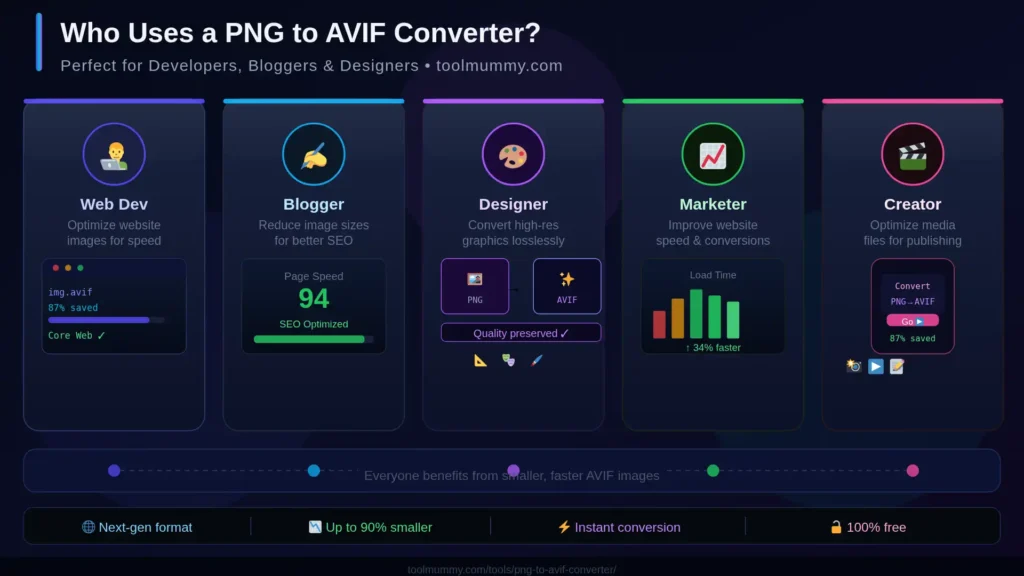
Web Developers and Frontend Engineers Google Core Web Vitals now heavily penalize slow-loading images. Switching from PNG to AVIF directly improves LCP (Largest Contentful Paint) scores. Many developers use AVIF as their default format for all static images on modern websites.
Bloggers and Content Creators Slow image loading kills readership and SEO rankings. Converting your PNG blog images to AVIF before uploading to WordPress, Ghost, or any CMS significantly reduces page load time — which Google rewards with better rankings.
eCommerce Store Owners Product images in AVIF format load faster on Shopify, WooCommerce, and Magento stores. Faster product pages = lower bounce rate = more conversions. A single product page with 10 images can save hundreds of kilobytes just by switching to AVIF.
Graphic Designers Need to share design assets with clients without sending massive PNG files? Convert to AVIF for easy sharing while preserving near-lossless image quality.
Digital Marketers Page speed is a confirmed Google ranking factor. Converting image assets from PNG to AVIF is one of the fastest, easiest wins for improving Core Web Vitals scores without changing code.
Social Media Managers AVIF images load faster on platforms that support it, and lighter files mean faster uploads and previews during content scheduling.
PNG to AVIF — Format Comparison by Use Case
IF YOU ARE OPTIMIZING IMAGES FOR YOUR WEBSITE OR APPLICATION, CHOOSING THE RIGHT FORMAT IS CRITICAL. ONE WRONG FORMAT CAN CAUSE YOUR PAGE TO LOAD SLOWLY AND HURT YOUR GOOGLE RANKINGS. HERE IS HOW TO USE THIS TOOL FOR EACH MAJOR USE CASE:
| Platform / Use Case | Recommended Quality | How to Use This Tool |
|---|---|---|
| WordPress Blog Images | 75–80% | Upload PNG, set slider to 80%, download AVIF, upload to WordPress Media Library |
| Shopify Product Images | 80–85% | Batch upload all product PNGs, convert at 82%, download ZIP and re-upload to store |
| Google PageSpeed / LCP | 80% | Convert hero and above-the-fold PNGs to AVIF — these impact LCP score the most |
| Logo / Icon (Transparent) | 90–100% | Upload transparent PNG logo, keep quality at 90%+, verify transparency is intact |
| Portfolio / Design Assets | 90–95% | High detail images need higher quality — use 90% to preserve fine gradients |
| Social Media Thumbnails | 70–75% | Lower quality is fine for thumbnails — prioritize fast load over pixel perfection |
| Email Header Images | 75% | Note: most email clients do not support AVIF — use WebP or JPEG for email |
How Does PNG to AVIF Conversion Work? — The Method Explained
Conversion sounds simple on the surface, but there are a few important technical details that affect the quality and compatibility of your output.
Lossy vs Lossless Compression
AVIF supports both lossy and lossless compression modes. At quality settings below 100%, the tool uses lossy compression — meaning some image data is discarded to achieve smaller file sizes. At 100% quality, the output is near-lossless. For most web use cases, 80% quality produces results that are visually indistinguishable from the original PNG.
Alpha Channel (Transparency) Handling
PNG is widely used because it supports transparency. AVIF also supports full alpha channel transparency natively. When you convert a transparent PNG to AVIF using this tool, the transparent areas are preserved exactly — no white background is added, no transparency is lost.
Browser-Side WebAssembly Encoding
This tool uses a WebAssembly-compiled version of the libavif encoding library — the same library used by major browsers and CDNs to generate AVIF images at scale. Running it in the browser means zero server dependency, zero latency from network upload, and zero privacy risk.
Between Quality Levels
You can also find the sweet spot for your specific images — upload the same PNG multiple times at different quality settings (e.g., 70%, 80%, 90%) and compare the resulting file sizes to find the best compression-to-quality ratio for your specific use case.
Frequently asked questions
Everything you need to know about our free online PNG to AVIF converter.