



🎨 PNG to GIF Converter
Convert PNG images to GIF format instantly
What is a PNG to GIF Converter?
A PNG to GIF Converter is a free online tool that allows you to convert image files from PNG (Portable Network Graphics) format to GIF (Graphics Interchange Format) format within seconds. PNG files are known for their high quality and lossless compression, while GIF files are widely used for their ability to support animations, simple graphics, and web-friendly file sizes.
Whether you are a designer, developer, content creator, or social media enthusiast, this tool makes it incredibly easy to transform your PNG images into GIF format without installing any software. Simply upload your PNG file, click convert, and download your GIF instantly — no account, no watermark, and no hidden charges.
How to Use PNG to GIF Converter?
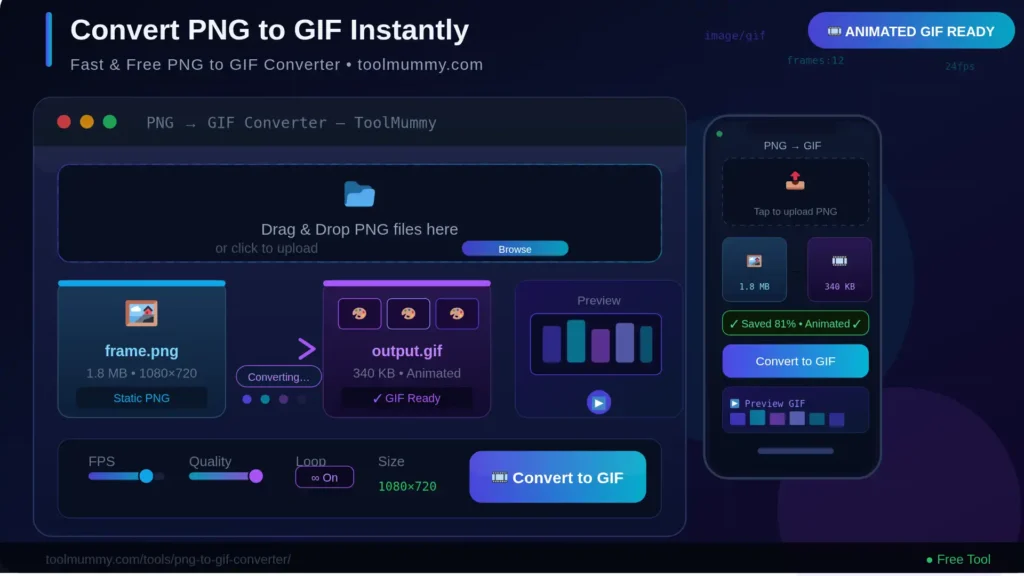
Using ToolMummy’s PNG to GIF Converter is simple and straightforward. Just follow these easy steps:
- Upload Your PNG File — Click the “Upload” button and select the PNG image you want to convert from your device.
- Preview the Image — Once uploaded, you can preview your image before starting the conversion.
- Click Convert — Press the “Convert to GIF” button to start the conversion process instantly.
- Download Your GIF — Once the conversion is complete, click “Download” to save your GIF file to your device.
No registration. No email required. No software installation needed. Just upload, convert, and download!
Key Features of Our PNG to GIF Converter
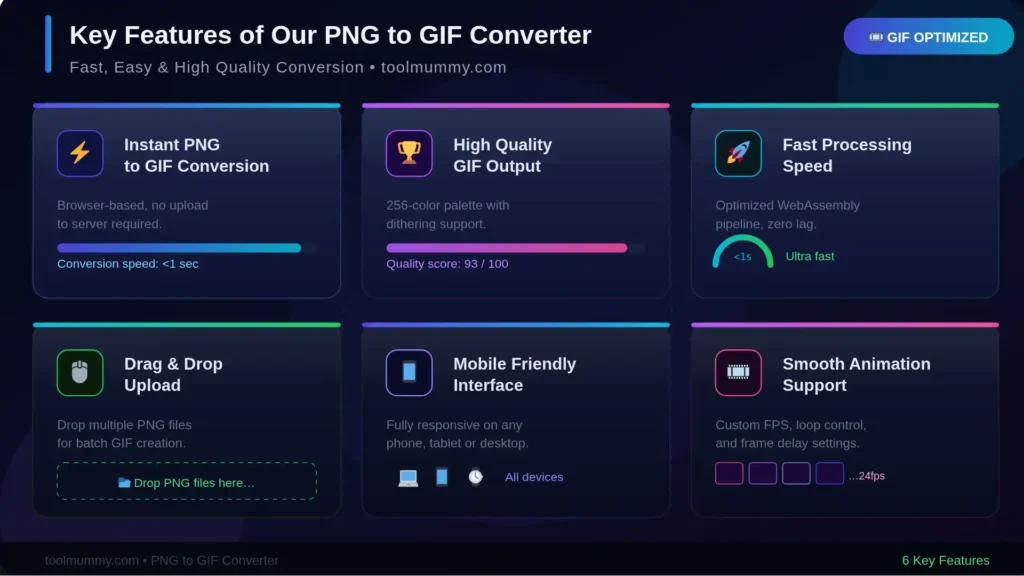
Our PNG to GIF Converter is packed with powerful features to make your image conversion seamless and efficient:
- 100% Free — Use the tool unlimited times without any cost or hidden fees.
- No Registration Required — No sign-up or login needed. Start converting instantly.
- Fast Conversion — Your PNG image is converted to GIF in just a few seconds.
- High-Quality Output — The tool preserves your image quality during the conversion process.
- Supports Transparency — GIF transparency is maintained wherever applicable.
- Secure & Private — All uploaded files are automatically deleted after conversion. Your data stays safe.
- Works on All Devices — Fully compatible with desktop, laptop, tablet, and mobile browsers.
- No Watermark — Download clean, watermark-free GIF files every time.
Why Convert PNG to GIF?
There are several practical reasons why users convert PNG images to GIF format:
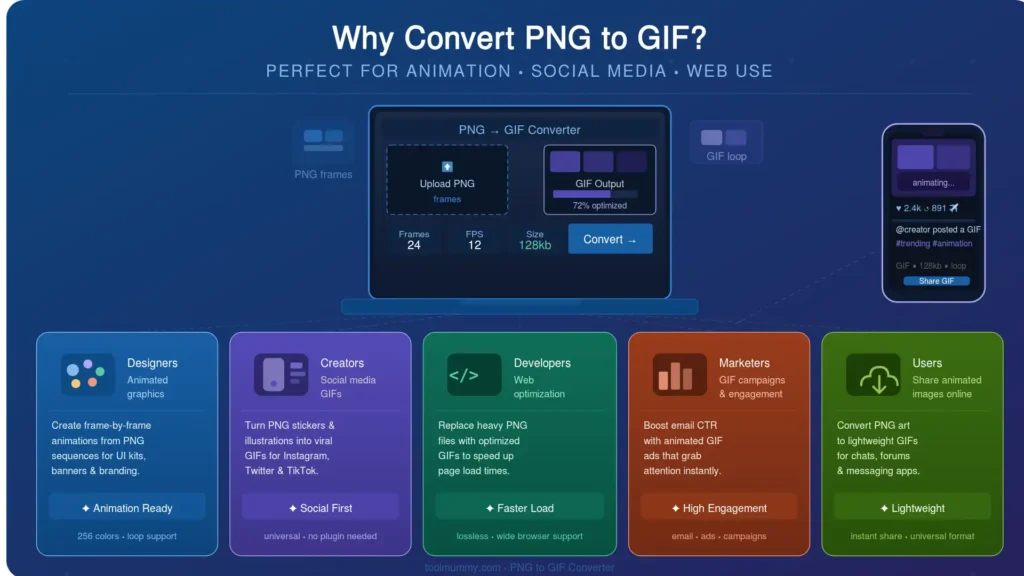
1. Animation Support GIF format supports animated images, which PNG does not. If you want to turn a series of PNG frames into a short looping animation — such as a meme, banner, or tutorial — converting to GIF is the best choice.
2. Smaller File Size for Simple Graphics For images with limited colors, GIF files tend to be smaller in size than PNG. This helps improve website loading speed and overall performance.
3. Wide Browser & Platform Compatibility GIF is one of the oldest and most universally supported image formats. It works on every browser, email client, and social media platform without any issues.
4. Ideal for Web & Social Media GIFs are extremely popular for social media posts, reactions, memes, and web graphics. Converting your PNG to GIF makes it ready for these platforms instantly.
5. Transparency Support Just like PNG, GIF also supports a single-color transparency, making it suitable for logos and icons that need clear backgrounds.
PNG vs GIF: What's the Difference?
Understanding the difference between PNG and GIF helps you decide which format is right for your project:
| Feature | PNG | GIF |
|---|---|---|
| Color Support | Millions of colors | Up to 256 colors |
| Animation | Not Supported | Supported |
| Transparency | Alpha transparency (full) | Single-color transparency |
| Compression | Lossless | Lossless |
| File Size | Larger (high detail) | Smaller (simple graphics) |
| Best For | High-quality static images | Animations & web graphics |
| Browser Support | Universal | Universal |
PNG is better for high-quality images that need fine detail and full transparency. GIF is better when you need animation or a widely compatible lightweight format for the web.
How Is PNG to GIF Conversion Done? — The Method Explained
Image conversion sounds simple on the surface, but there are a few important technical details that matter when you need high-quality results for web or social media use.
Color Reduction (Standard)
GIF supports only up to 256 colors, while PNG can have millions. The conversion tool applies standard color quantization to map your PNG colors to the closest GIF palette automatically.
Transparency Support
Like PNG, GIF also supports transparency. Our tool correctly converts PNG's alpha transparency into GIF's single-color transparent layer, keeping your backgrounds clean.
Animation from Multiple PNGs
If you upload more than one PNG file, the tool combines them into a single animated GIF with customizable frame speed, loop settings, and output size — automatically.
File Size Optimization
You can also adjust the output quality and dimensions before converting. This helps reduce file size for faster web loading without losing too much visual quality.
Frequently asked questions
Everything you need to know about our free online PNG to GIF converter.