


PAN Card Photo & Signature Resizer
Free online tool — all processing done in your browser, nothing is uploaded
Drag & Drop or Click to Upload
Supports JPG, PNG, JPEG, WEBP • Max 10 MB
🔒 Your file stays on your device. Nothing is uploaded to any server.
📐 PAN Card Presets
📏 Output Resolution
📦 File Size Limit
🖼️ Output Format
Click Edit to open the visual editor for cropping, brightness, contrast, filters, and more.
📋 Step 1: Upload File
Upload a JPG/PNG photo or signature image from your device. Maximum size: 10 MB. All processing is done locally.
⚙️ Step 2: Configure Settings
Choose a PAN Card preset (NSDL/UTIITSL), or set custom width/height/file-size. Select output format (JPG/PNG/WEBP).
✏️ Step 3: Edit Image
Use the built-in editor to crop, adjust brightness/contrast/saturation, and apply filters (Chrome, Fade, Warm, Mono, etc.).
⬇️ Step 4: Generate & Download
The tool auto-compresses to meet your KB limit. Download the final image ready for your PAN card application.
PAN Card Resizer Online
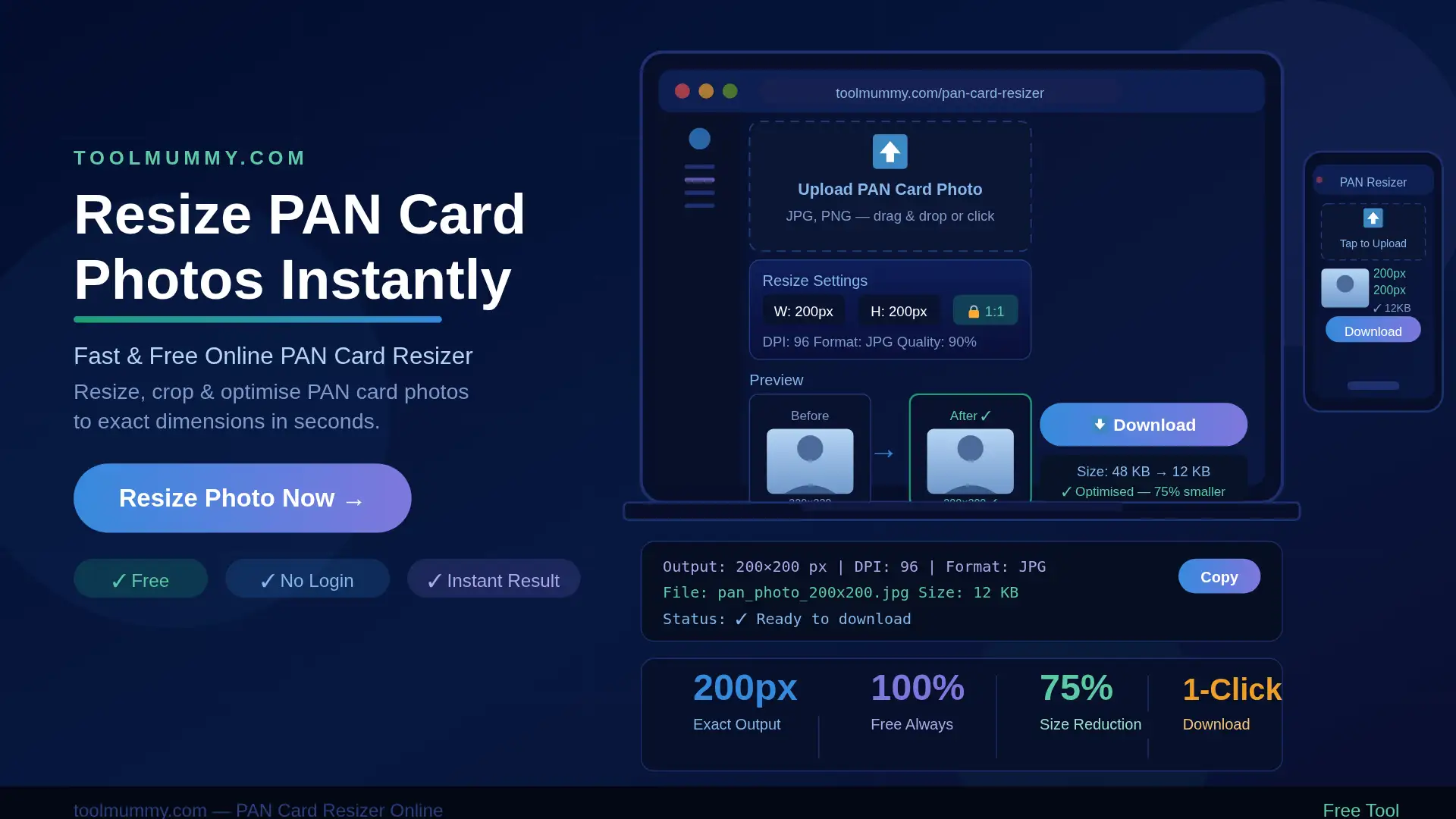
Ever tried uploading your photo to the NSDL or UTIITSL portal only to get an error saying “invalid file size” or “incorrect dimensions”? You are not alone. Our free online PAN card resizer solves this instantly. Just upload your photo or signature, select the portal preset, and download a perfectly compliant image in seconds.
No downloads. No signup. No ads. Upload your image, choose a preset, and get your file ready.
How to Use This PAN Card Resizer
Using this tool is simple. Here is how it works:
Step 1 – Upload Your Photo or Signature Click or drag to upload a JPG, PNG, JPEG, or WEBP image. Maximum file size allowed for upload is 10 MB.
Step 2 – Choose a Preset or Set Custom Dimensions Select a portal preset — NSDL Photo, NSDL Signature, UTIITSL Photo, or UTIITSL Signature. The tool auto-fills the required dimensions and KB limit. Or switch to Custom mode to set your own width, height, and file size target.
Step 3 – Edit and Crop Your Image Use the built-in photo editor to crop, adjust brightness, contrast, and saturation, and apply filters. Crop precisely so only your face (or signature) fills the frame correctly.
Step 4 – Generate and Download Click Generate. The tool auto-compresses your image to meet the exact KB limit of your selected preset. Download your file — it is ready to upload directly to the portal.
What you get:
- Image resized to exact pixel dimensions (e.g. 213×213px, 560×160px)
- File auto-compressed within the KB limit (20KB, 30KB, 50KB)
- Download in JPG, PNG, or WEBP format
- Live preview before and after
- Built-in crop, brightness, contrast, saturation, and filter tools
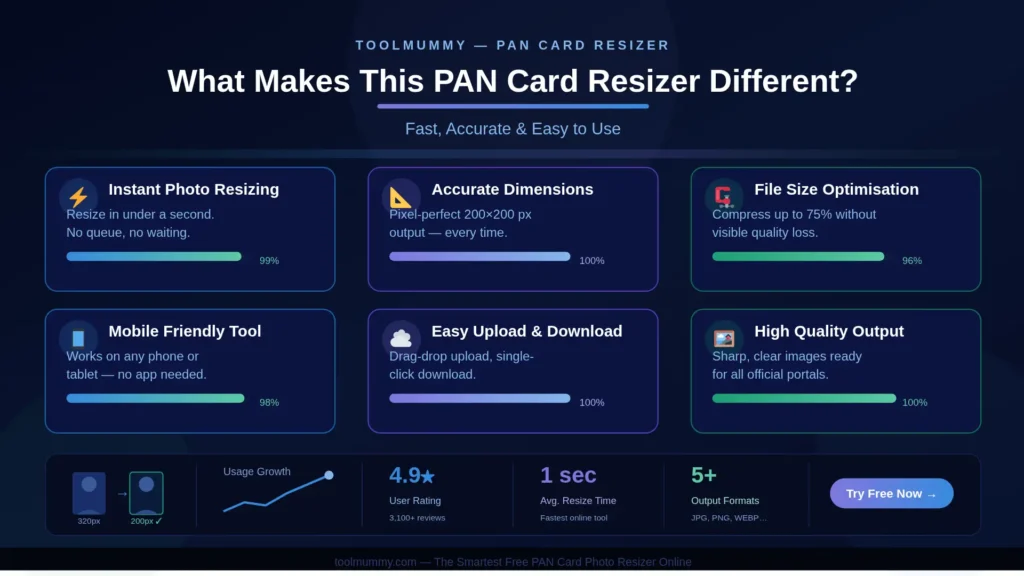
What Makes This PAN Card Resizer Different?
Most basic online image resizers just scale the image — they do not check the KB size limit or apply the right preset automatically. Ours handles everything in one step.
Auto-Compression to KB Limit After resizing, the tool automatically compresses the image to fit within your selected KB limit. You do not need to guess or manually adjust quality — the tool handles it so your file is neither too large nor too small.
Official Portal Presets Built In NSDL Photo, NSDL Signature, UTIITSL Photo, UTIITSL Signature, Aadhaar Photo, and Passport Size are all pre-loaded with the correct dimensions and file size limits. One click sets everything.
Built-In Photo Editor Crop, rotate, flip, adjust brightness, contrast, saturation, and sharpness — all inside the same tool. You do not need a separate editing app. Apply filters like Chrome, Fade, Warm, or Mono if needed.
100% Private — Nothing Uploaded All image processing happens entirely inside your browser. Your photo or signature never leaves your device and is never sent to any server. This is critical when dealing with personal identity documents.
Works on Any Device The PAN card resizer works on Android, iPhone, tablets, and desktops. No app installation required. Open the page, upload, and download — done.
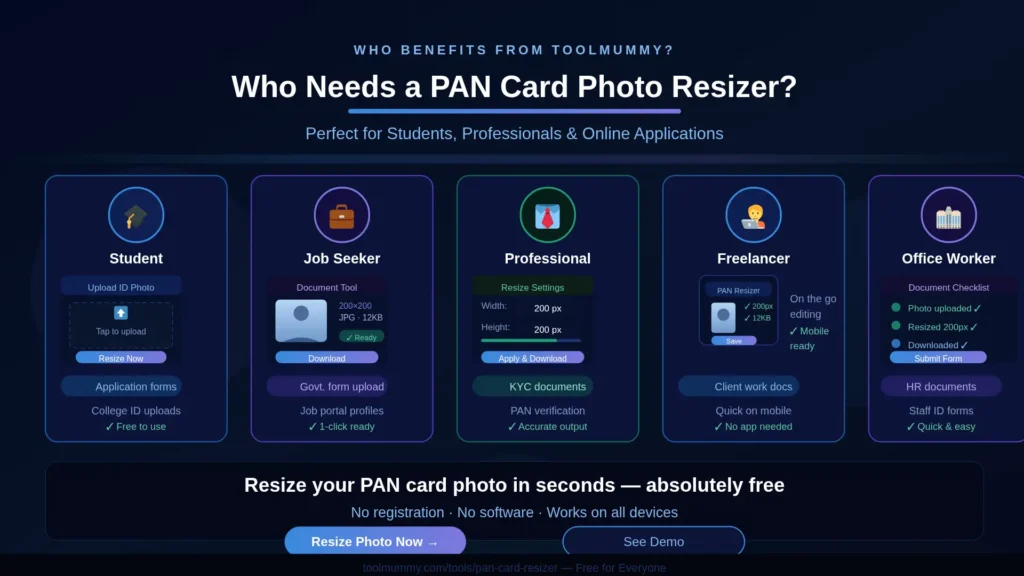
Who Needs a PAN Card Photo Resizer?
An online PAN card photo resizer is useful for a much wider range of people than you might expect:
Fresh PAN Card Applicants Anyone applying for a new PAN card through NSDL (Protean) or UTIITSL portals needs a correctly sized photo and signature. Uploading the wrong format causes automatic errors.
PAN Card Correction Applicants If you are submitting a name change, date of birth correction, or address update on your existing PAN card, you need to re-upload a compliant photo and signature with the correction form.
Lost or Damaged PAN Card Re-applicants Applying for a duplicate PAN card also requires a fresh photo upload meeting the portal’s current specifications.
CA and Tax Filing Professionals Chartered accountants and tax consultants often process PAN applications for multiple clients. This tool allows quick batch processing without any desktop software.
Government and Bank Employees Bank relationship managers and government service center staff who assist citizens with PAN application submissions use this tool to verify and fix photo files before portal submission.
Students and Young Adults Applying for your first PAN card as part of opening a bank account or starting a job? This tool makes the photo preparation step fast and error-free.
PAN Card Photo Size Requirements — NSDL vs UTIITSL
If you are applying for a PAN card, the photo and signature requirements depend on which portal you are using. NSDL (Protean) and UTIITSL have different specifications, and using the wrong one is the #1 reason applications fail.
| Type | Portal | Dimensions | Max File Size | Format |
|---|---|---|---|---|
| Photo | NSDL (Protean) | 213 × 213 px | 20 KB | JPG |
| Signature | NSDL (Protean) | 560 × 160 px | 30 KB | JPG |
| Photo | UTIITSL | 200 × 230 px | 50 KB | JPG |
| Signature | UTIITSL | 500 × 160 px | 30 KB | JPG |
| Photo | Aadhaar | 300 × 300 px | 100 KB | JPG |
| Photo | Passport Size | 200 × 200 px | 40 KB | JPG |
Background: Plain white for all photo types Signature Ink: Black ink on plain white paper only
Our tool’s presets are pre-configured with all of the above. Select your portal and the dimensions and KB limit are auto-filled — no manual entry required.
How Does Image Resizing and Compression Work? — The Method Explained
Resizing a photo for government portals involves more than just changing width and height. Here are the key steps the tool handles automatically:
Pixel Dimension Resizing
The tool scales the image to the exact width × height in pixels required by the portal. If the aspect ratio of your original photo does not match, you can use the crop tool to adjust before resizing.
Smart KB Compression
After resizing, the tool applies intelligent quality compression to bring the file size within the portal's KB limit. It uses a binary search algorithm — testing multiple quality levels automatically — so the output is as close to the limit as possible without exceeding it.
Aspect Ratio Handling
NSDL requires a square photo (213×213px) while UTIITSL uses a portrait format (200×230px). If your photo is not cropped to match the correct ratio, the output image may appear stretched. Always use the crop tool first to match the target aspect ratio.
Format Selection
JPG is the standard format accepted by both NSDL and UTIITSL. PNG is available for tools requiring lossless output. WEBP is also supported for modern browser-based workflows.
Frequently asked questions
Everything you need to know about our free online PAN card resizer.