





Google SERP Preview Tool Online
Ever wondered exactly how your webpage looks in Google search results — not just the URL, but the full title, meta description, and how it gets cut off on mobile? Our free Google SERP preview tool shows you a pixel-accurate simulation of your search snippet the moment you type. You need it for SEO, content publishing, PPC landing pages, or just making sure your hard work actually looks good on Google. This tool gives you accurate results in seconds.
No downloads. No signup. No ads. Just enter your title tag, meta description, and URL — and see your Google snippet instantly.
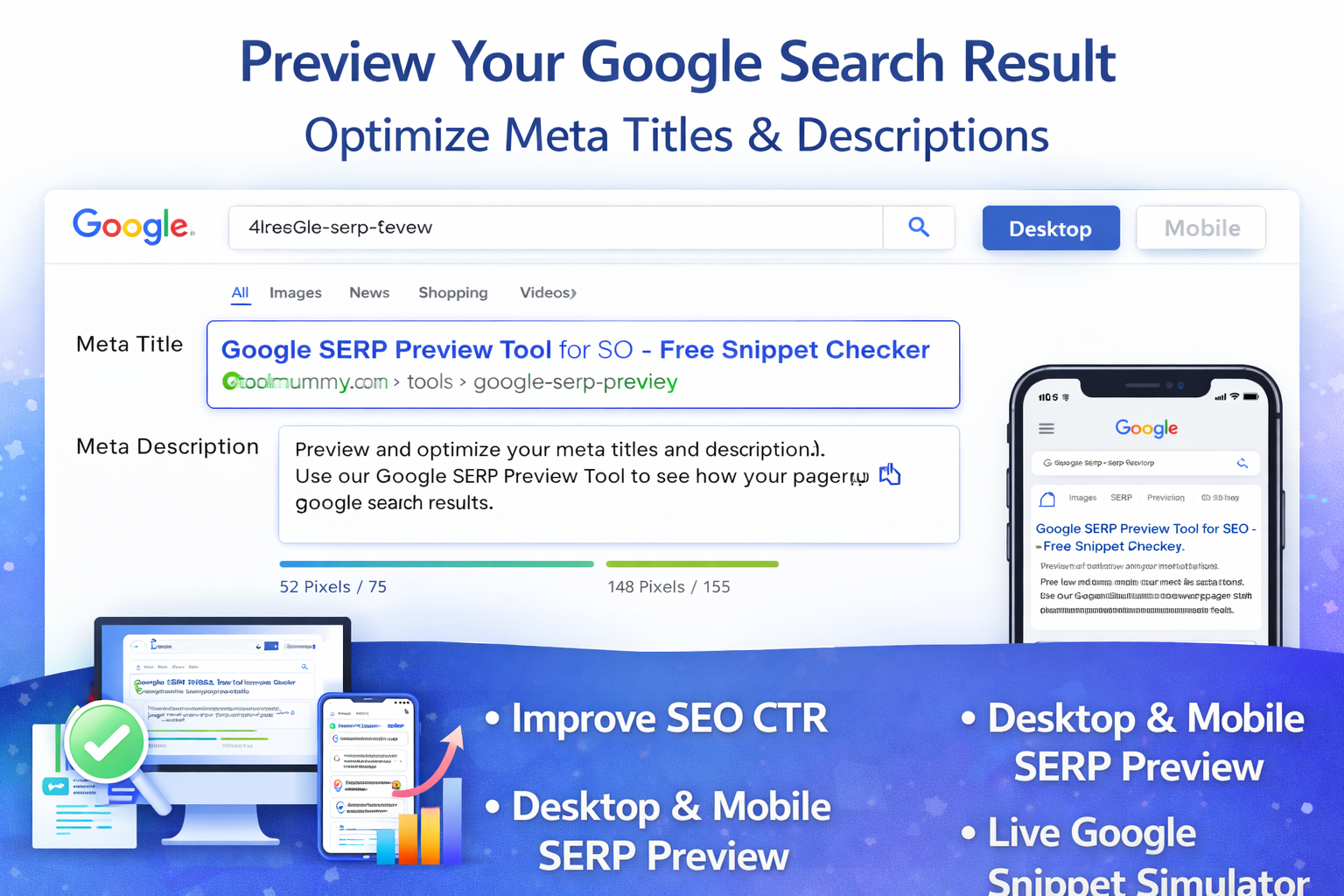
How to Use This SERP Preview Tool
Using this tool is simple. Here is how it works:
Step 1 — Enter Your Page Title
Type your SEO title tag in the “Meta Title” field. Use the format you have written in your CMS. The tool counts characters in real time and alerts you if it is too long.
Step 2 — Enter Your URL
Type or paste your page URL in the URL field. Keep it clean, readable, and keyword-rich. Example: toolmummy.com/tools/google-serp-preview/
Step 3 — Enter Your Meta Description
Type your meta description in the field provided. Aim for 150 to 155 characters. Include your main keyword and a clear call to action.
Step 4 — Click “Preview SERP”
Hit the preview button. Your Google search snippet appears instantly — exactly as it would look in real search results on both desktop and mobile.
What you will see:
- Desktop Google SERP snippet preview
- Mobile Google SERP snippet preview
- Real-time character count for title and description
- Truncation warning if your title or description is too long
- Keyword bold highlighting inside the snippet
- CTR optimization tips
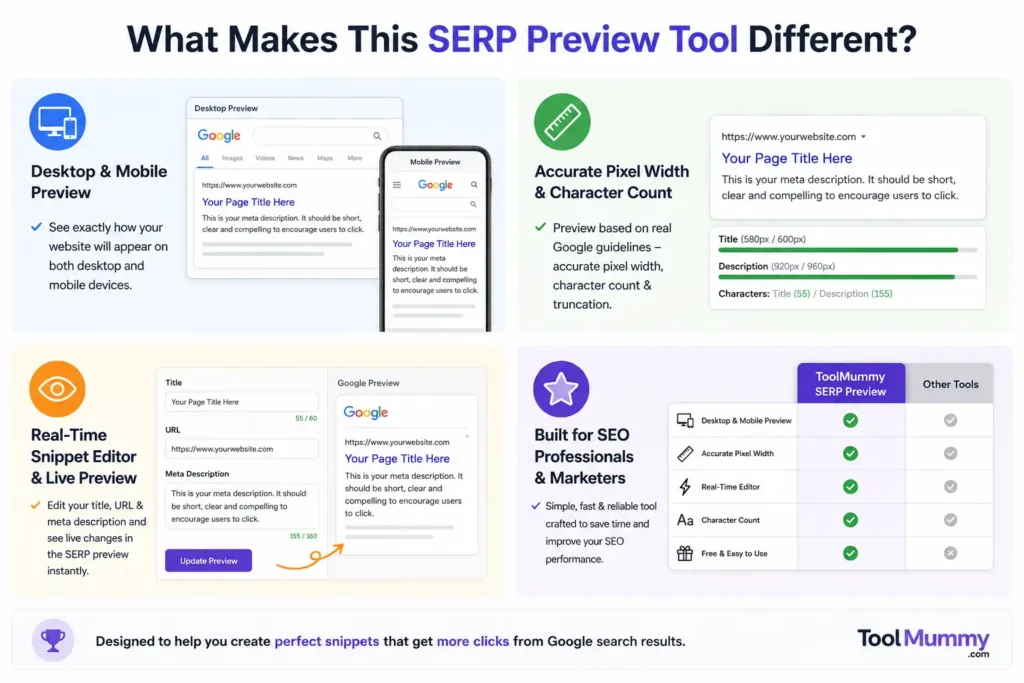
What Makes This SERP Preview Tool Different?
Most basic SERP simulators just show you a static text box. Ours gives you a real-time, accurate Google-style preview with everything you actually need to optimize your snippet.
Live Real-Time Preview
Your snippet updates as you type — no need to click a button after every change. See the impact of every word, every character, instantly.
Desktop and Mobile Both Shown
Over 60% of all Google searches happen on mobile. Our tool shows you both desktop and mobile previews side by side because the character limits are different on each. Desktop titles show about 60 characters; mobile shows fewer. You need to optimize for both.
Character Count with Truncation Warning
The tool counts every character and shows you a live indicator — green when your length is safe, red when Google will cut it off. You will never publish a truncated title again.
Keyword Bold Highlighting
Google bolds the words in your snippet that match the search query. Enter your target keyword and see exactly which parts of your title and description will appear bold in search results — helping you write more click-worthy snippets.
Copy HTML Tags Instantly
Once your snippet is optimized, copy the ready-to-paste HTML title tag and meta description code with one click. Paste it directly into your page HTML or CMS without retyping.
Completely Free, No Signup
No account, no credit card, no limits. Use it as many times as you want for as many pages as you need. Completely free.
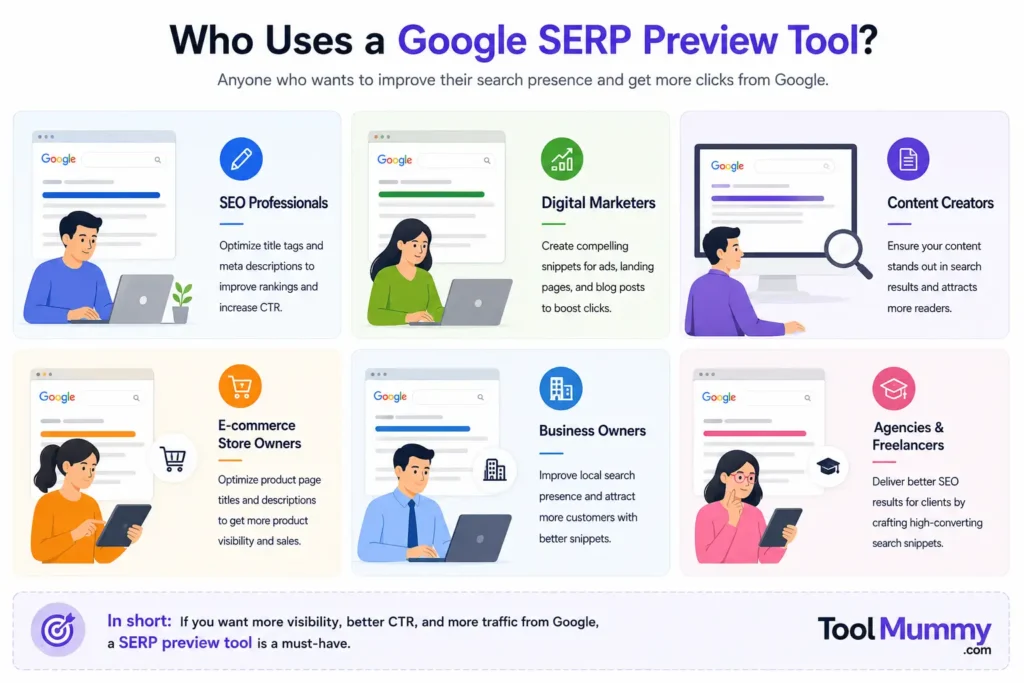
Who Uses a Google SERP Preview Tool?
A SERP preview tool is useful for a surprisingly wide range of people working in digital marketing, content, and SEO.
SEO Professionals
SEO specialists use SERP preview tools daily to optimize title tags and meta descriptions across dozens or hundreds of pages. Instead of publishing and waiting for Google to index, they preview and perfect the snippet first — saving hours of guesswork.
Content Writers and Bloggers
Writers use it to check that their blog post title fits within Google’s character limit and looks compelling in search results before hitting publish. A well-optimized snippet can double click-through rates on the same content.
Business Owners and Founders
Small business owners managing their own website use it to make sure their homepage, product pages, and service pages appear correctly in Google — especially when they cannot afford to hire a full SEO team.
Digital Marketing Agencies
Agencies use it to show clients exactly how their pages will appear in search results as part of monthly SEO reports or during website review presentations — a clear, visual proof of optimization work.
PPC and Ad Managers
Pay-per-click specialists use it to cross-reference organic snippets with paid ad copy, ensuring consistent messaging across organic and paid search results for the same landing page.
WordPress and CMS Developers
Developers use it while setting up Yoast SEO, Rank Math, or similar plugins to verify that the meta tags they configured display correctly before the site goes live.
Google SERP Character Limits — Complete Guide
Getting the right character count is the single most important thing when writing meta tags. Go over the limit and Google cuts your snippet mid-sentence, which destroys click-through rates. Here is the complete reference:
| Element | Desktop Limit | Mobile Limit | Recommended |
|---|---|---|---|
| Meta Title | ~600px / ~60 chars | ~50–55 chars | 50–60 characters |
| Meta Description | ~920px / ~155 chars | ~120 chars | 140–155 characters |
| URL / Breadcrumb | Full URL shown | Domain + path | Keep URLs short & clean |
| Site Name | Shown after title | Shown after title | Set via schema markup |
| Favicon | 16×16px shown | 16×16px shown | Upload to root directory |
How Meta Title and Description Work — Explained Simply
Meta tags sound technical, but they are simply instructions you write for Google inside your page’s HTML. Here is what each one does and why it matters.
What Is a Meta Description?
The meta description is the grey paragraph of text shown below your title in search results. Google does not use it directly for ranking, but it has a massive impact on click-through rate (CTR). A compelling meta description tells the searcher exactly what they will get if they click — and makes them want to click.
Does Google Always Use My Meta Description?
Not always. If Google decides your meta description does not match what the searcher is looking for, it may pull a different snippet from your page content. This happens less often when your meta description closely matches the page topic and the search query. That is why writing a relevant, keyword-rich description matters.
How Does Google Bold Keywords in Snippets?
When a user's search query matches words in your title or description, Google bolds those words automatically. This makes your result stand out visually and signals to the searcher that your page is directly relevant to their query. Use your target keywords naturally in both the title and description to take advantage of this.
Desktop vs Mobile — Why Both Matter
Desktop Google and mobile Google show different amounts of your snippet. On desktop, Google shows up to about 60 characters in the title and 155 in the description. On mobile, those limits are shorter. If you only optimize for desktop, your mobile snippet may be cut off awkwardly. Always check both views — our tool shows them simultaneously.
Frequently asked questions
Everything you need to know about our free Google SERP preview tool.