





🚀 Advanced Image Compressor
Multiple images compress करें, different formats में convert करें और ZIP में download करें
Images Upload करें
Drag & Drop करें या click करके select करें
Support: JPG, PNG, WebP, AVIF formats
Image Compressor Online
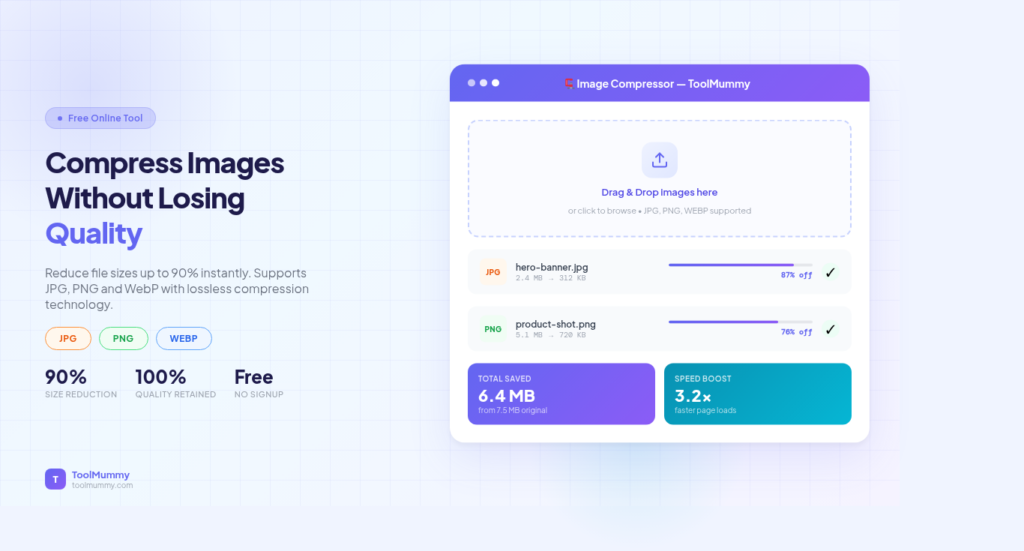
Ever tried uploading a photo to a website and got an error saying the file is too large? Or noticed your website loading slowly because of heavy image files? Our free online image compressor reduces your image file size by up to 90% — without any visible loss in quality. Whether you need to compress JPG, PNG, or WebP images for your website, WhatsApp, Instagram, email, or a government form upload, this tool gives you smaller files in seconds. No software to install. No account. No watermark.
No downloads. No signup. No ads. Just upload your image, compress it, and download the smaller file instantly.
How to Use This Image Compressor
Compressing your images is simple. Here is how it works:
Step 1 — Upload Your Image
Click the upload button or drag and drop your image file into the compressor area. You can upload JPG, PNG, WebP, and GIF files. Upload one image or multiple images at once for batch compression.
Step 2 — Choose Compression Level (Optional)
By default, the tool automatically picks the best compression level for your image. If you want more control, use the quality slider to balance between file size and image quality. Higher quality means a larger file. Lower quality means a smaller file.
Step 3 — Click Compress
Hit the Compress button. Your image is processed instantly. You will see the original file size, the compressed file size, and the percentage reduction — so you know exactly how much space you saved.
Step 4 — Download Your Compressed Image
Click Download to save your compressed image to your device. No watermarks are added. The image looks the same but takes up far less space.
What you will see:
- Original file size vs compressed file size comparison
- Percentage reduction in file size
- Side-by-side quality preview before downloading
- No watermark on downloaded images
- Batch compress multiple images at once
- Works for JPG, PNG, WebP, and GIF formats
What Makes This Image Compressor Different?
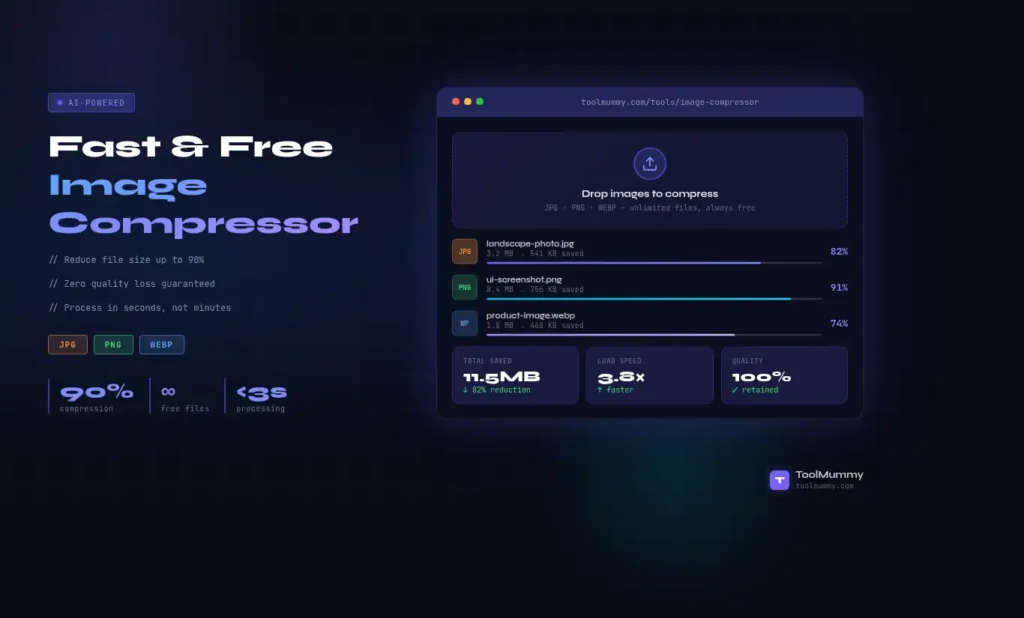
Most image compressors either destroy quality to get small files, or keep quality but barely reduce the size. Ours uses smart compression algorithms that give you the best of both — tiny files that still look great.
Up to 90% Size Reduction — Visually Lossless
Our tool can reduce a 5MB photo down to under 500KB while the image still looks identical to the naked eye. This is achieved through intelligent lossy and lossless compression that removes hidden, redundant image data without affecting what you actually see.
Supports All Major Formats
Compress JPG, JPEG, PNG, WebP, and GIF — all the formats you actually use. Whether it is a product photo, a screenshot, a logo, or a social media image, the tool handles it without format restrictions.
Batch Compression — Multiple Images at Once
Upload and compress up to 20 images in a single go. No need to compress one by one. Select all your images, compress them together, and download them all at once — saving you hours of manual work.
No Quality Slider Guesswork
The tool automatically selects the optimal compression level for each image type. You can override this with the manual quality slider if needed. A live before-and-after preview shows you exactly what the compressed image looks like before you download.
Your Images Stay Private
All uploaded images are automatically deleted from our servers after processing. We do not store, view, or use your images. Your personal photos and business images stay completely private.
Completely Free — No Watermarks
No account needed, no credit card, no hidden fees, and absolutely no watermarks added to your images. Compress as many images as you need — completely free, forever.
Who Uses an Image Compressor?
An online image compressor is used by a surprisingly wide range of people every single day.
Website Owners and Bloggers
Large image files are one of the biggest reasons websites load slowly. A slow website loses visitors and ranks lower in Google. Website owners and bloggers compress every image before uploading to WordPress, Wix, or Squarespace — keeping their site fast and their Google PageSpeed score high.
E-commerce Sellers
Product photos on Shopify, Amazon, Flipkart, and Meesho need to be high quality but small in size so product pages load fast. Slow loading product pages directly reduce sales. Sellers compress product images before uploading to marketplaces to keep pages snappy and conversions high.
Students and Job Seekers
Government portals, university application forms, and job application systems often have strict file size limits — typically 50KB, 100KB, or 200KB for photo uploads. Students and job seekers use image compressors to reduce their passport photo or document scans to meet these upload limits without the image looking bad.
Social Media Managers and Content Creators
Instagram, Facebook, LinkedIn, and Twitter automatically compress images on upload — sometimes badly. By compressing images yourself before uploading, you control the quality and ensure your posts look crisp instead of blurry or pixelated.
Developers and Designers
Front-end developers use image compression as part of every project’s performance optimization. Designers compress images before delivering assets to clients or handing off files to development teams. Smaller images mean faster websites and better Core Web Vitals scores.
WhatsApp and Email Users
Email attachments have file size limits. WhatsApp compresses photos automatically but sometimes the result is blurry. Compressing your image yourself before sending gives you a small file that still looks sharp — and it sends faster too.
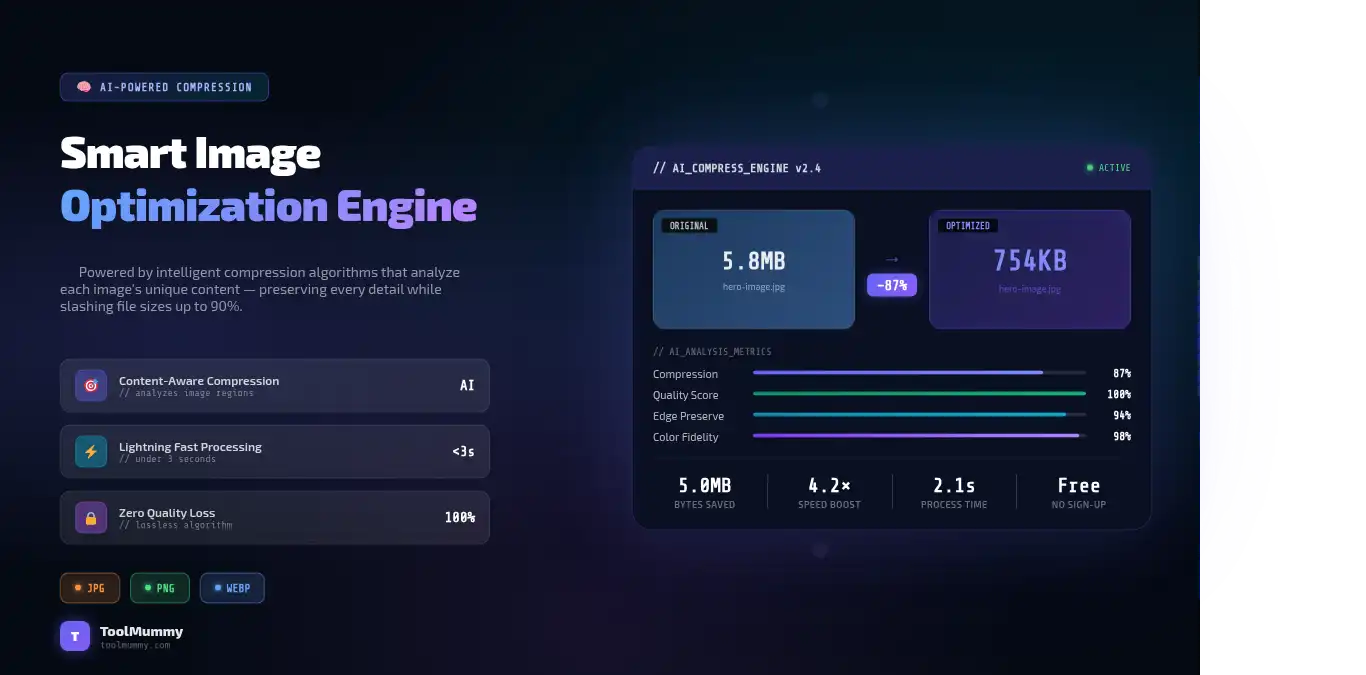
Image Compression Guide — Which Format for What?
Not all image formats compress the same way. Choosing the right format before compressing makes a big difference in the final result. Here is a complete reference:
| Format | Best For | Compression Type | Transparency | Recommended Use |
|---|---|---|---|---|
| JPG / JPEG | Photos, product images | Lossy | No | Photographs, hero images, blog images |
| PNG | Logos, screenshots, graphics | Lossless | Yes | Logos, icons, text-heavy images |
| WebP | Web images (all types) | Both (lossy + lossless) | Yes | Website images — 30% smaller than JPG |
| GIF | Animations | Lossless | Yes (1-bit) | Simple animations, icons |
Quick tip: For website photos, JPG compressed to 80–85% quality gives the best balance of size and visual quality. For logos and UI elements with transparent backgrounds, use PNG. For the best web performance overall, convert and compress to WebP — it gives the smallest files with the best quality.
How Does Image Compression Work? — Explained Simply
Image compression sounds technical, but the basic idea is simple: it removes data from your image file that your eyes cannot notice, making the file smaller without the image looking any different.
Lossy Compression
Lossy compression permanently removes some image data to make the file smaller. It works by identifying areas of an image where the human eye is less sensitive to detail — for example, smooth sky or blurred backgrounds — and reduces the information stored in those areas. JPG uses lossy compression. The quality setting controls how aggressively data is removed. At 80–85% quality, most people cannot tell any difference from the original. Below 60%, you start seeing noticeable quality loss.
Lossless Compression
Lossless compression reduces file size without removing any image data. It works by finding more efficient ways to store the same information — like finding patterns in the data and representing them more compactly. PNG uses lossless compression. The image is mathematically identical to the original after decompression. File size reduction is smaller than lossy compression, but there is zero quality loss.
What Our Tool Does
Our image compressor uses a smart combination of both methods. For JPG files, it applies intelligent lossy compression targeting areas the human eye cannot detect. For PNG files, it applies lossless optimization to remove metadata and redundant data. The result is the smallest possible file that still looks visually identical to the original.
Why Image Size Matters for SEO and Website Speed
Google uses page load speed as a ranking factor. Images are typically the heaviest files on any webpage — often making up 60–80% of total page weight. Compressing your images can cut page load time by 40–70%, directly improving your Google PageSpeed score and Core Web Vitals — which means better rankings and more visitors.
Frequently asked questions
Everything you need to know about our free online image compressor.