




Password Generator
// Secure • Random • On-Device
Password Generator Online
Ever stared at a “create password” field and typed your dog’s name with a “1” at the end — again? You are not alone. But that password was probably cracked years ago and is sitting in a leaked database right now. Our free online password generator creates truly random, high-entropy passwords in one click — as strong as a password can get.
No downloads. No signup. No ads. Just click Generate and copy your new secure password.
How to Use This Password Generator
Using this tool is simple. Here is how it works:
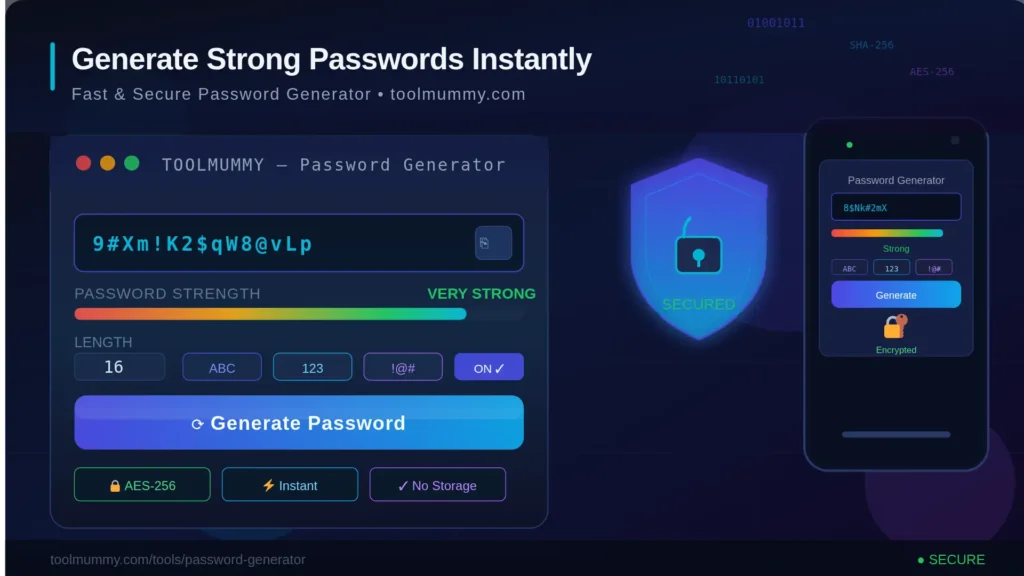
Step 1 – Set Your Password Length Use the slider to choose a length between 4 and 64 characters. For most accounts, 16 characters or more is recommended. For banking and email accounts, go to 20 or higher.
Step 2 – Choose Your Character Types Toggle on or off: Lowercase (a–z), Uppercase (A–Z), Numbers (0–9), and Symbols (!@#$%^&*). The more character types you include, the stronger the password. All four types are enabled by default.
Step 3 – Apply Exclude Options (Optional) Exclude Ambiguous Characters (i, l, 1, L, 0, O) if you need to type the password manually. Exclude Brackets, No Repeats, or No Similar Characters for additional control over the output.
Step 4 – Click Generate and Copy Hit the Generate Password button. Your password appears instantly along with an entropy score in bits. Click Copy to save it to your clipboard — then paste it directly into your account.
What you get:
- A truly random password every single time
- Entropy score in bits — so you know exactly how strong it is
- Generate 1, 5, 10, or 20 passwords at once
- One-click copy for single passwords or copy all for bulk generation
- Zero server connection — all generation happens on your device
What Makes This Password Generator Different?
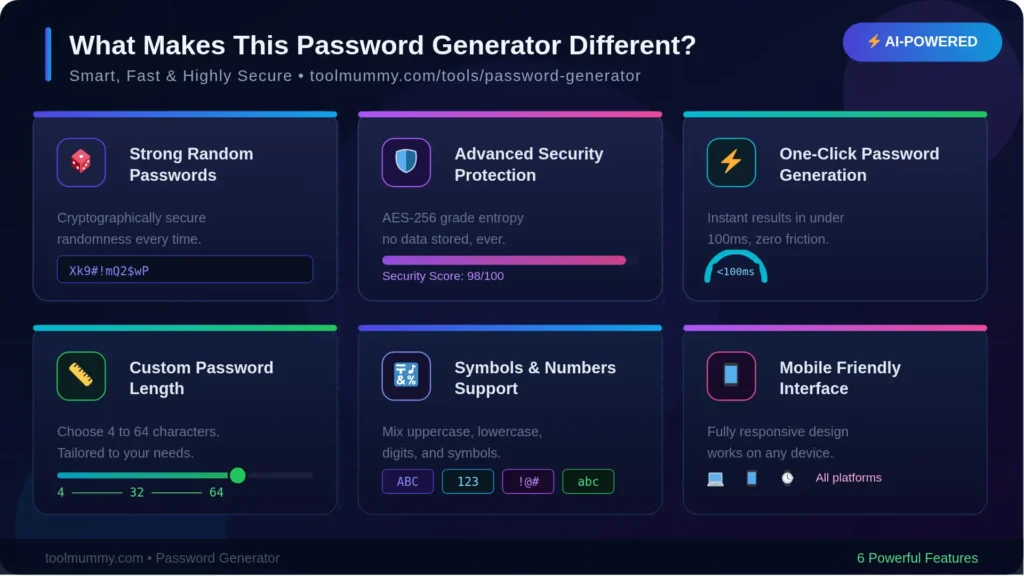
Most online password generators look the same. Ours goes further with features that actually matter for real-world security.
Entropy Score in Bits Every password you generate shows its entropy score. Entropy measures how unpredictable — and therefore how uncrackable — a password is. Higher bits = stronger password. This gives you real data, not just a “weak / medium / strong” label.
Bulk Generation Need passwords for multiple accounts at once? Generate 1, 5, 10, or 20 passwords in a single click. Copy all of them at once with the Copy All button — perfect for setting up new accounts or resetting multiple logins.
Ambiguous Character Exclusion Characters like 0 (zero) and O (letter), or 1 (one) and l (lowercase L) are nearly impossible to tell apart in most fonts. If you ever need to type a password manually — on a TV, game console, or device without paste — enable “Exclude Ambiguous Chars” for a cleaner, readable output.
No Repeat and No Similar Modes “No Repeats” ensures every character appears only once. “No Similar” removes look-alike character pairs. These modes are useful when setting passwords on platforms with character restrictions or when you need to read the password aloud.
100% On-Device — Nothing Sent Anywhere The entire password generation process runs inside your browser using JavaScript’s cryptographic random number API. No password you generate is ever transmitted to any server. Not to us, not to anyone. What runs in your browser stays in your browser.
Who Uses a Password Generator?
An online password generator is useful for a much wider range of people than you might expect:
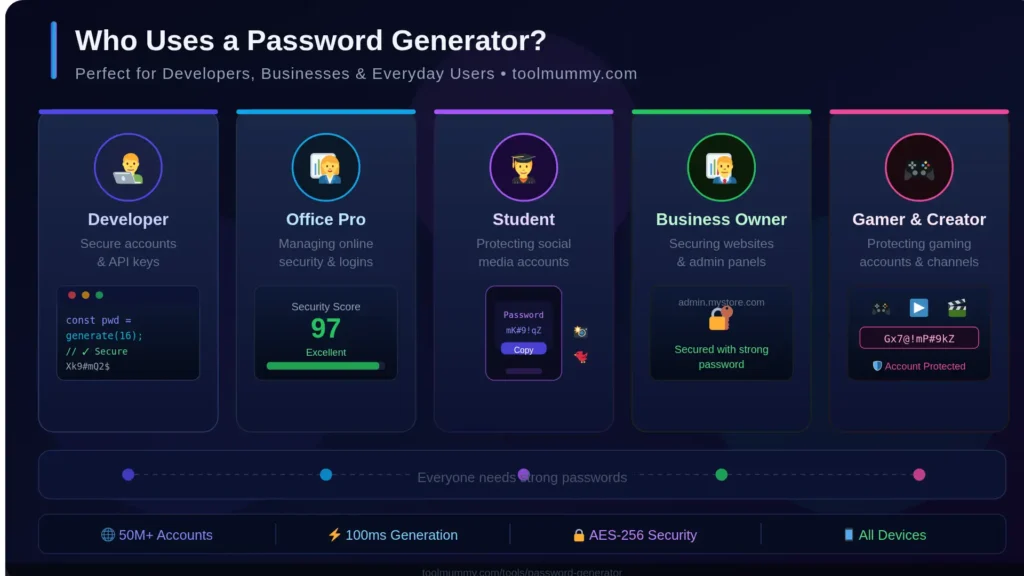
Everyday Internet Users Anyone with email, social media, banking, shopping, or streaming accounts needs strong unique passwords. If you have been reusing the same password — or a slight variation — across accounts, a generator is the fastest way to fix that.
Students and Young Adults Creating new accounts for college portals, government services, exam registrations, and job applications? Each of those needs a unique password. Use the generator to create and save them properly from the start.
IT Professionals and System Administrators Setting up user accounts, servers, databases, and admin panels requires high-entropy credentials. Generate 16–64 character passwords with all character types to meet enterprise security policies.
Small Business Owners From payment gateways to hosting panels to employee accounts — every business tool needs a separate strong password. Use bulk generation to set up multiple accounts at once without repeating credentials.
Developers and Programmers Generating API keys, database passwords, secret tokens, and environment variable values. The tool’s symbol and no-repeat modes make it easy to create credentials that fit specific syntax requirements.
Parents and Families Setting up accounts for children on educational platforms, gaming services, and school portals? A generator creates passwords that meet platform requirements without reusing family names, birthdays, or pet names — the first things hackers try.
Password Generator for Different Account Types
Not every account needs the same strength of password. Here is how to use this tool for each major account type:
| Account Type | Recommended Length | Character Types | How to Use This Tool |
|---|---|---|---|
| Email (Gmail / Outlook) | 20+ characters | All 4 types | Your email resets all other accounts — use maximum strength |
| Banking / UPI / Payments | 20+ characters | All 4 types | Enable No Similar for readability if manual entry needed |
| Social Media | 16+ characters | All 4 types | Use bulk generation — create one for each platform separately |
| Streaming Services | 16+ characters | Lowercase + Numbers | Enable Exclude Ambiguous for TV remote entry |
| Government Portals (DigiLocker, IRCTC, Income Tax) | 12–16 characters | As required by portal | Check the portal’s allowed symbols before generating |
| Work / Office Accounts | 16–20 characters | All 4 types | Follow your IT policy; use No Repeats for stricter environments |
| Wi-Fi / Router Password | 20+ characters | All 4 types | Longer is better — you only type it once per device |
How Does Password Strength Work? — The Method Explained
Password strength is not a feeling — it is a calculation. Here are the key factors that determine how secure a generated password actually is:
Password Entropy (Bits)
Entropy is the mathematical measure of how many possible combinations exist for a password. It is calculated as: Entropy = Length × log₂(Character Pool Size). A password using all 4 character types (95-character pool) at 16 characters long has over 105 bits of entropy — considered extremely strong by any modern standard.
Character Pool Size
The larger the pool of characters your password is drawn from, the harder it is to crack. Lowercase only = 26 characters. Add uppercase = 52. Add numbers = 62. Add symbols = 95. Each additional character type multiplies the difficulty for an attacker exponentially.
True Randomness — Cryptographic vs Pseudo-Random
Our generator uses your browser's window.crypto.getRandomValues() API — the same cryptographic randomness used by security software and SSL certificates. This is not simple Math.random() which has predictable patterns. Every password is genuinely random with no human-detectable bias.
Length vs Complexity
A 20-character password of only lowercase letters has more entropy than an 8-character password using all 4 character types. Length compounds security faster than complexity. For the strongest results — use both.
Frequently asked questions
Everything you need to know about our free online password generator.