





🖼️ PNG to WebP Converter
Convert PNG images to WebP format online, for free
PNG to WebP Converter Online
Want to make your website load faster without sacrificing image quality? Converting your PNG images to WebP is one of the most impactful things you can do for page speed. Our free online PNG to WebP converter converts your PNG files to Google’s modern WebP format instantly — giving you images that are up to 26% smaller than PNG while maintaining the same visual quality and keeping transparency fully intact. No software to install. No account. No watermark. Just upload your PNG and download your WebP in seconds.
No downloads. No signup. No ads. Just upload your PNG file and get your converted WebP image instantly.
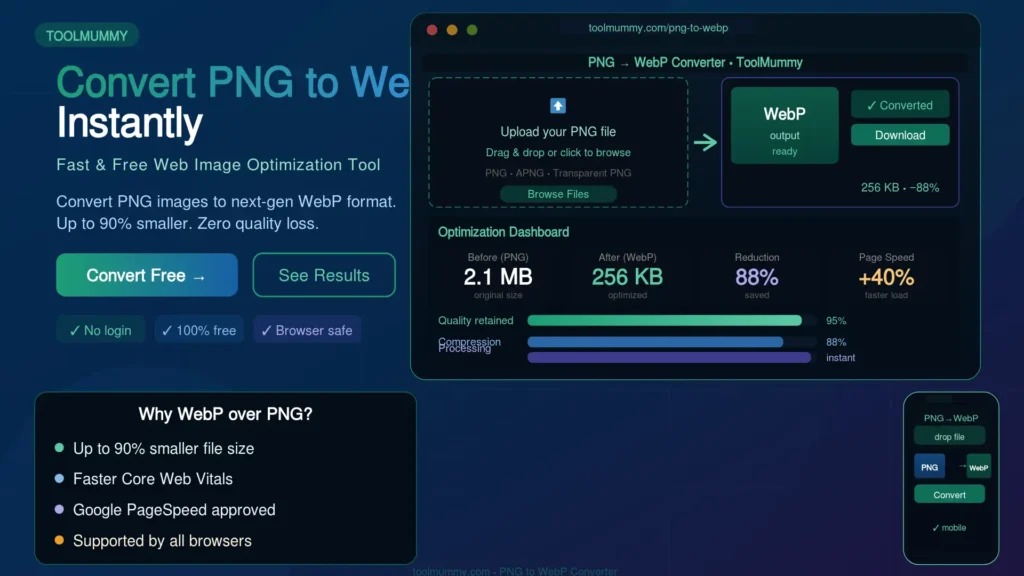
How to Use This PNG to WebP Converter
Converting your PNG to WebP is simple. Here is how it works:
Step 1 — Upload Your PNG File
Click the upload button or drag and drop your PNG file into the converter. You can upload one file or multiple files at once for batch conversion. All PNG file types are accepted — photos, screenshots, logos, icons, and design exports.
Step 2 — Set Quality (Optional)
By default, the tool converts at the optimal quality level — giving you the smallest possible file while keeping the image visually identical to the original. Use the quality slider if you want even smaller files or maximum quality.
Step 3 — Click Convert
Hit the Convert button. Your PNG is processed instantly in your browser and converted to WebP. The result appears in seconds — no upload to any external server, no waiting.
Step 4 — Download Your WebP
Click Download to save your converted WebP file. No watermarks added. Your image is ready to use on your website, blog, or app immediately after download.
What you will get:
- PNG converted to WebP format — up to 26% smaller than the original
- Transparency fully preserved — WebP supports alpha channel
- Same image dimensions — width and height unchanged
- No watermark added to the converted image
- Batch convert multiple PNG files at once
- Works for photos, logos, screenshots, icons, and design exports
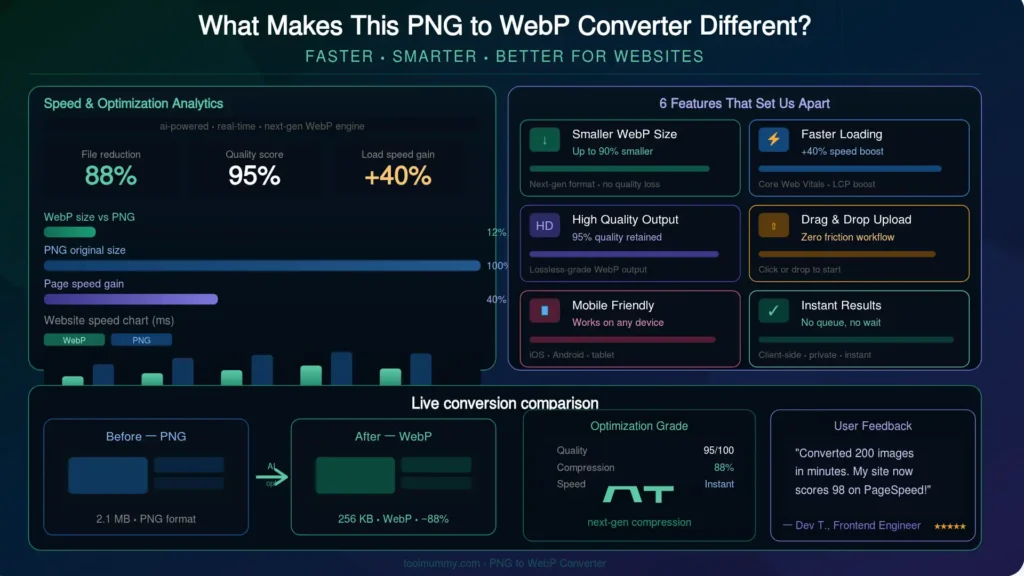
What Makes This PNG to WebP Converter Different?
Most PNG to WebP converters upload your files to remote servers and make you wait. Ours processes everything directly in your browser — faster, more private, and with no file limits.
In-Browser Conversion — Files Never Leave Your Device
Your PNG file is converted entirely within your browser using local processing. Nothing is uploaded to any external server. This means your conversion is instant — no upload and download cycle — and your files stay completely private.
Transparency Preserved — Unlike JPG
Unlike converting to JPG, converting PNG to WebP keeps your transparent backgrounds perfectly intact. WebP supports full alpha channel transparency — meaning logos, icons, and overlays with transparent areas convert to WebP without any white background fill. This is one of the biggest advantages of WebP over JPG for designers and developers.
Up to 26% Smaller Than PNG
WebP lossless images are on average 26% smaller than equivalent PNG files, as confirmed by Google’s own research. For lossy WebP at comparable visual quality, the savings are even greater — 25 to 34% smaller than JPEG. Converting your PNG assets to WebP directly improves your website’s PageSpeed score and Core Web Vitals.
Batch Conversion — Multiple Files at Once
Convert a full library of PNG assets to WebP in one go. Upload multiple files, convert them all simultaneously, and download them as a ZIP. This is essential for web developers and designers optimizing entire image libraries.
Adjustable Quality with Live Preview
Use the quality slider to balance file size and visual quality. The tool shows you the estimated output file size before you download — so you can fine-tune the result to your exact requirement.
Completely Free — No Signup
No account, no credit card, no usage limits, and no watermarks. Convert as many PNG files to WebP as you need — completely free.
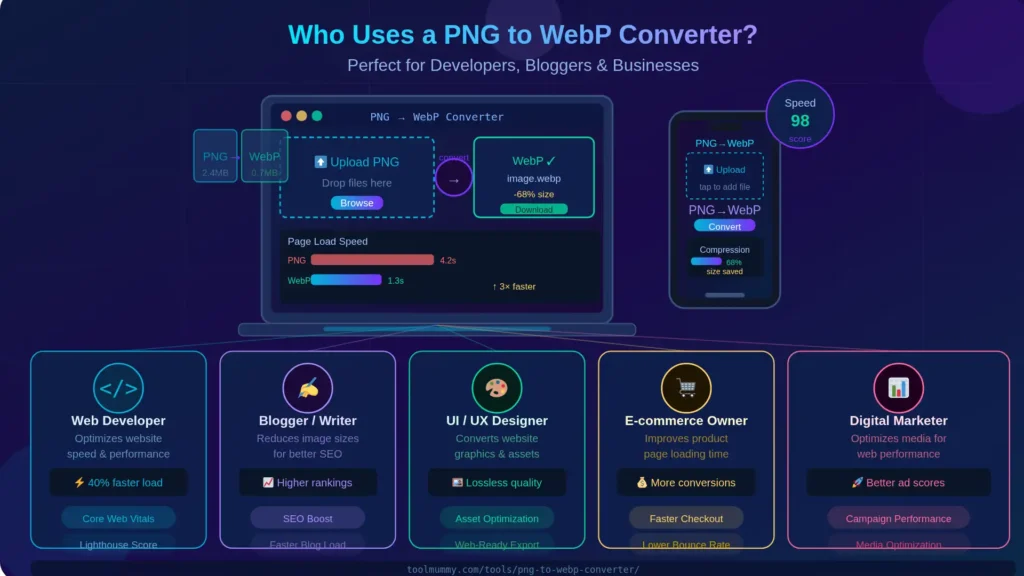
Who Uses a PNG to WebP Converter?
Converting PNG to WebP is a standard step in modern web development and digital design — used by everyone from solo bloggers to enterprise development teams.
Web Developers and Front-End Engineers
Front-end developers convert PNG assets to WebP as part of every website build. WebP images load 25 to 35% faster than PNG equivalents — directly improving Core Web Vitals scores (LCP, CLS) and Google Search rankings. Converting image libraries to WebP is one of the fastest wins in web performance optimization.
WordPress Bloggers and Website Owners
Bloggers upload dozens of PNG images every month. Converting to WebP before uploading to WordPress reduces total page weight significantly. Google PageSpeed Insights specifically recommends “Serve images in next-gen formats” — and WebP is the format it is asking for. Our converter lets you do this without any plugins or technical setup.
Graphic Designers and UI/UX Designers
Designers export assets from Figma, Adobe XD, and Photoshop in PNG by default. When delivering web-ready assets to developers, converting to WebP produces smaller handoff files while keeping transparency intact — making the design-to-development workflow faster and cleaner.
E-Commerce Store Owners
Product images on Shopify, WooCommerce, and other platforms directly affect page loading speed and conversion rates. WebP product images load faster than PNG or JPG equivalents — meaning customers see your products sooner, bounce less, and buy more. Converting product image libraries to WebP is a standard e-commerce performance practice.
SEO Professionals and Digital Marketers
Page speed is a confirmed Google ranking factor. WebP images are the single most impactful change you can make to image performance on any website. SEO specialists include PNG to WebP conversion in every technical SEO audit and site speed optimization project they deliver.
Mobile App Developers
Android has natively supported WebP since Android 4.0. iOS supports WebP since iOS 14. App developers convert PNG assets to WebP to reduce app download size and improve in-app image loading performance on both platforms.
PNG vs WebP vs JPG — Which Format Wins?
Each image format has its strengths. Here is a complete, honest comparison to help you choose the right format for every use case:
| Feature | PNG | WebP | JPG |
|---|---|---|---|
| Compression | Lossless only | Both lossless and lossy | Lossy only |
| File Size | Largest | Smallest — 26% smaller than PNG | Medium — larger than WebP |
| Transparency | Yes — full alpha | Yes — full alpha | No |
| Image Quality | Perfect — lossless | Excellent — near-lossless | Very good at high settings |
| Browser Support | Universal | 96%+ browsers (all modern) | Universal |
| Animation Support | No (use APNG) | Yes — animated WebP | No |
| Web Performance | Slowest — large files | Fastest — best for web | Good — but larger than WebP |
| Best Use Case | Lossless editing, archiving | All website images — best choice | Photos, email, govt uploads |
Verdict: For any image used on a website in 2026, WebP is the best format. It gives you smaller file sizes than both PNG and JPG, keeps transparency like PNG, and is supported by over 96% of all browsers. The only exception is when you need universal compatibility for older systems or government portal uploads that specifically require JPG.
What Is WebP? — Explained Simply
WebP is a modern image format developed by Google specifically for the web. It was released in 2010 and has since become the recommended image format for websites that prioritize speed and performance.
Why Did Google Create WebP?
Google created WebP because the existing formats — PNG and JPG — were designed decades before the mobile internet age. They were not optimized for the bandwidth constraints and performance demands of modern web browsing. WebP uses more advanced compression algorithms that can store images with significantly less data while maintaining the same visual quality. The result is faster loading websites — which is why Google actively promotes WebP through PageSpeed Insights.
How Does WebP Compression Work?
WebP uses two compression methods. Lossy WebP uses predictive coding — the same technology used in VP8 video codec — to encode images by predicting pixel values and only storing the differences. This achieves 25 to 34% smaller files than JPEG at equivalent quality. Lossless WebP uses a technique that references and reuses already-seen image fragments to reconstruct pixels exactly — producing files 26% smaller than PNG with zero quality loss.
Does WebP Support Transparency?
Yes — and this is one of WebP's biggest advantages over JPG. Lossless WebP fully supports the alpha channel (transparency), just like PNG. Even lossy WebP can support transparency at a fraction of the file size of a transparent PNG. This means you can convert logos, icons, and overlay images from PNG to WebP without losing the transparent background — something JPG cannot do at all.
Is WebP Supported in All Browsers?
WebP is supported by over 96% of browsers worldwide — including Chrome, Firefox, Safari (since version 14), Edge, and Opera. It is also supported natively on Android and iOS. For the rare cases where older browsers need support, you can use the HTML element to serve WebP to modern browsers and JPG as a fallback for older ones.
Frequently asked questions
Everything you need to know about our free online PNG to WebP converter.
<picture> element to serve WebP with a PNG fallback. Most modern websites use WebP without any fallback and it works universally.